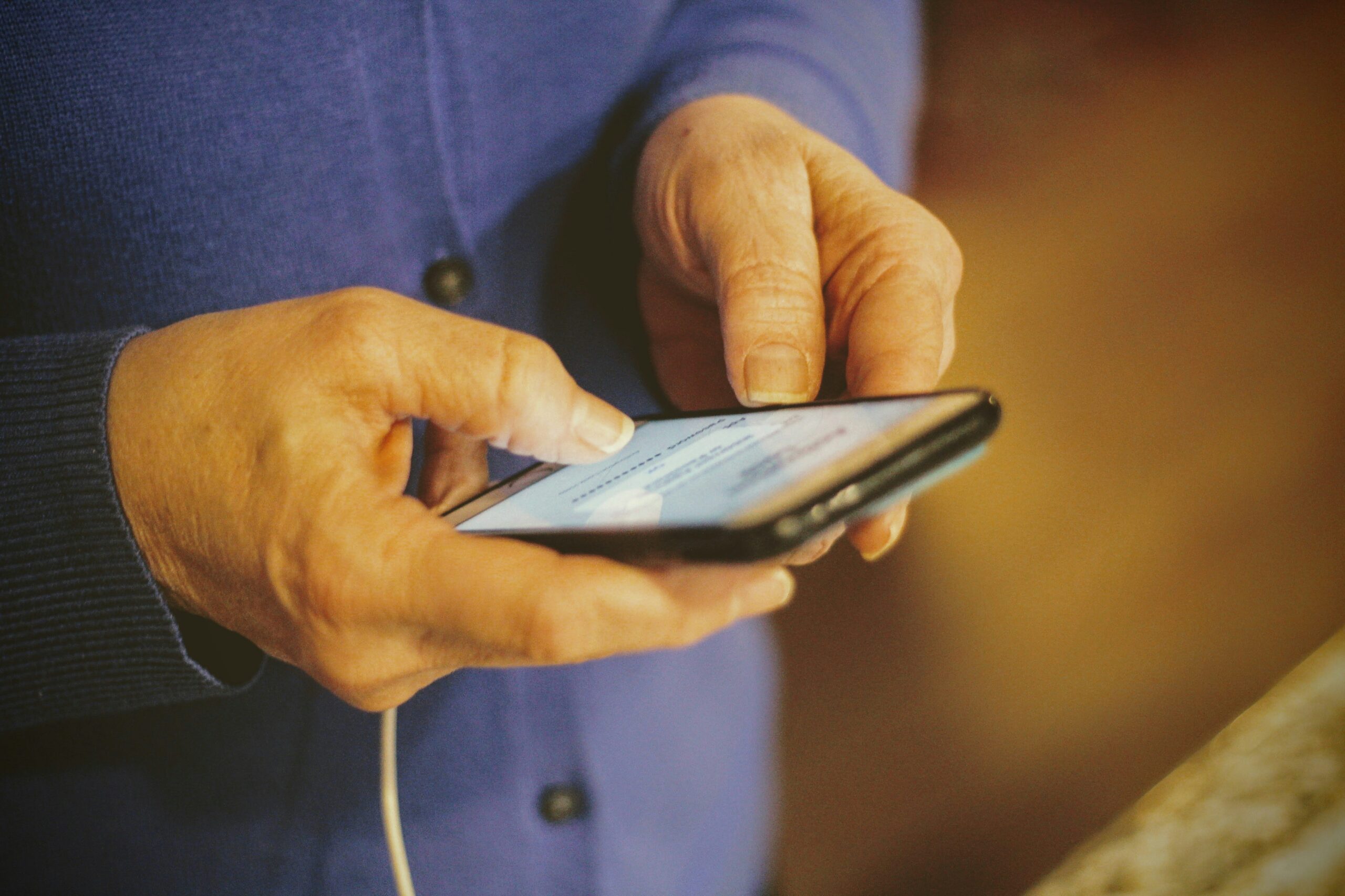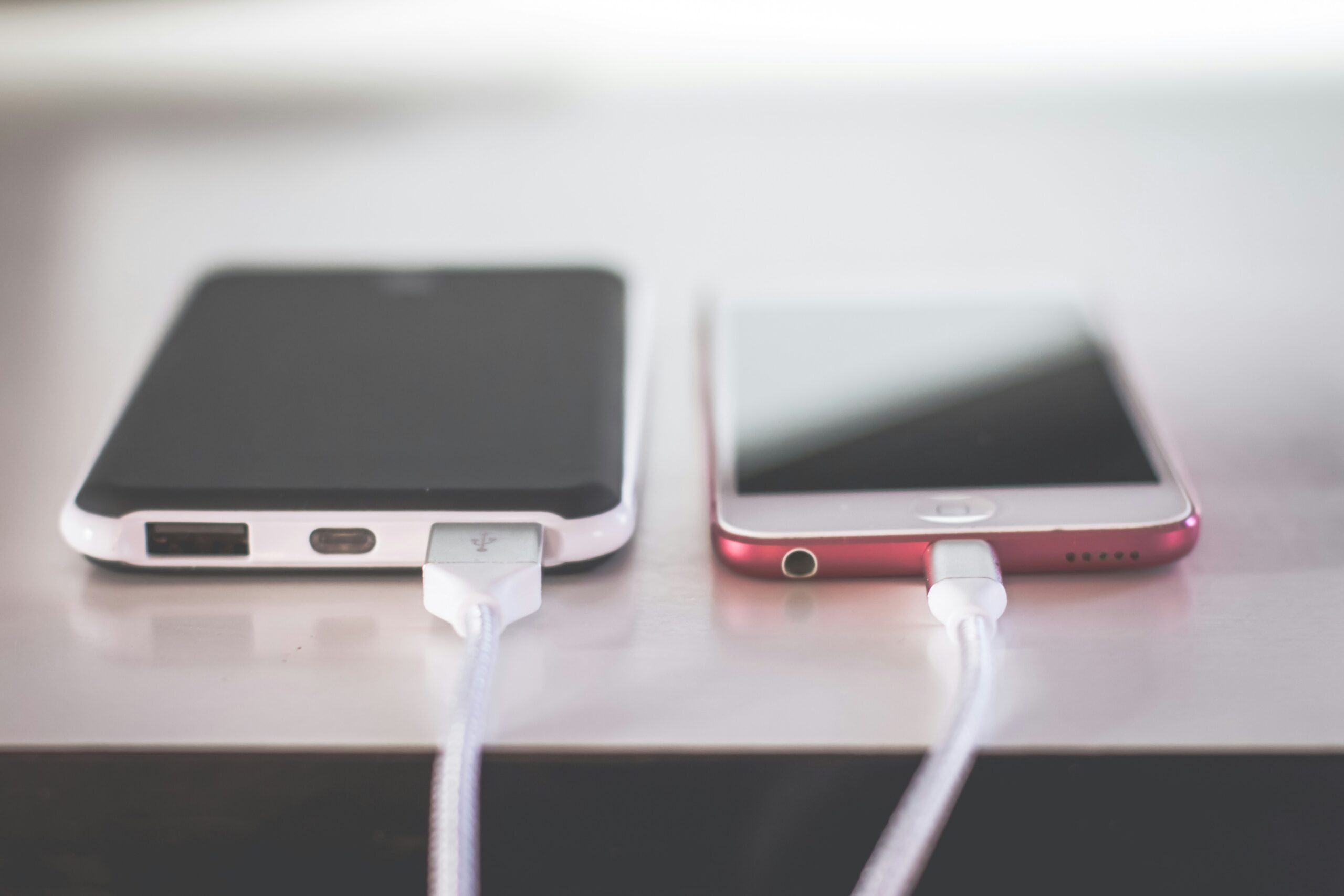
Weirdly vexing is the unexpected charging-failure on our smartphones, the little machines that handle our communications, jobs, finances, and lives, rapidly become pretty useless when the battery gauge no longer will creep up by single digits of percentages. Most of us immediately declare the battery dead – usually, they aren’t.
The question “why won’t my phone charge” has become one of the most common smartphone troubleshooting searches because charging problems can come from many different sources. A damaged cable, clogged charging port, software glitch, incompatible charger, overheating issue, or aging battery can all prevent a phone from receiving power correctly.
It’s easy to forget modern smartphones, no matter how small they’ve gotten over the years, are incredibly complex electronic devices; and Charging isn’t some simple little link between a battery and your cable in a box system anymore. So behind that common charging icon is in fact some highly managed system of temperature sensors, software logic and smart charging circuits working behind the power management circuits and all other manner of clever electronic controls to take care of your smart phone. What happens with some basic understanding of all this, when this system falters, may save you hours, keep you from unwanted repair costs and keep a non working smart phone from looking terminal.
The Bigger Picture: Why Charging Problems Have Become More Complicated
There was a time when plugging in a phone and seeing it charge immediately felt effortless, but that simplicity is not always guaranteed today.If you have power available and you need power on you phone, you would get your mobile charger and plug one end to your cell phone, once it shows an increment in you cell phone’s Battery usage, it would pull plug in no time and be out. Cellphones nowadays are sophisticated battery technology and have built-in clever mechanisms that will adjust the current based on the current charge as well as environmental electrical status.
The lithium-ion battery that operates the current modern mobile phones need special attention: it can’t absorb and receive current in an indefinite and unhindered mode.
Your handset will adjust the amount ofcurrent during the process according the following:
- battery temperature
- battery health
- charger capability
- cable quality
- power delivery standards
- current battery percentage
These advantages like quicker charging and safeguarding of your battery come in exchange for a growing list of failure opportunities. One of the most critical difficulties, however, is trying to fix your phone only to learn your phone has a problem because the battery is busted rather than its charger. Or your new charger doesn’t seem to work on the old telephone simply because there is mud lodged in the charging jack.
One more phone owner tries a battery in a telephone that’s problem actually lies elsewhere, e.g.
Broken USB-cable connected to power charger is a frequent thing . Your cell phone’s not charging can signify nothing beyond a symptom and there is still hope.
Understanding What Happens When You Plug In Your Phone
Nearly everyone experiences something happening when they plug in their phone charger: Plugging a cable into a smartphone starts up a complex, and incredibly quick, process: – Electricity flows through a cable from a charger to a port on a phone. The port carries the electricity to a charging IC. The device either confirms the incoming electricity is compatible before giving it to the battery, or stops the process if the power supply seems incompatible. The entire process happens so quickly we rarely notice when one link of the connection breaks.
The main components involved include:
The Charger
The wall adapter’s purpose is to take electrical current from an outlet and transform it into the exact electrical output needed by your phone. While some chargers transmit current at varying speeds and at different voltages/amperages, it varies from charger to charger. If it was an ultra-modern charger with fast-charging features (USB PD, etc.), it could have been missing necessary features if it were an older or extremely cheap charger.
The Charging Cable
Cables can sometimes go under the radar, yet this happens to be the second most frequent reason as to why people cant charge, cables break down inside as if bending is too many times, lose bits from the connecters. Sometimes the cheaper ones just arent up to giving out consistent power to your device. The outside of it would be just dandy and not even one mark, but inside there could be damage.
The Charging Port
Charging connectors are constantly exposed to small amounts of dust and lint, moisture, and physical forces. The tiniest of fragments can prevent good contact with the charger’s pins.
This phenomenon affects the most popular portable electronic devices that travel around in our pockets, purse or back pack.
The Battery and Internal Hardware
It is either a battery issues or inner charging component in phone/laptop If the charger works fine in other devices or your port works with other charger then problem should lie with battery in most cases, which needs replaced. Battery degradation is one reason the normal process of any battery gets worn down as well due to hundreds of charging cycles over hundreds of times
Why Won’t My Phone Charge? The Most Common Causes Explained
A Damaged or Faulty Charging Cable
Before exploring complicated hardware solutions, try to explore simplest: Use the power cable. Our charge cables receive a great deal of physical stress every day. Those are bent , pulled , twisted , plugged , and unpluged over and over for numerous years . Ultimately, these wires may endure wear down .
Common signs of a bad cable include:
- charging starts and stops randomly
- Your device may begin charging only when the cable is held at a particular angle or placed in a specific position.
- charging is unusually slow
- the phone does not recognize the charger
Testing another cable is typically the quick path to a fix. If the cable was indeed the culprit, be warned that not all cables are made equal-a cheap cable might physically connect to your phone, but may not draw enough power from the charger or your computer for your phone to receive adequate fast charging (or any charging at all, really). A certified, decent cable that is intended for your phone’s make model will be a better bet.
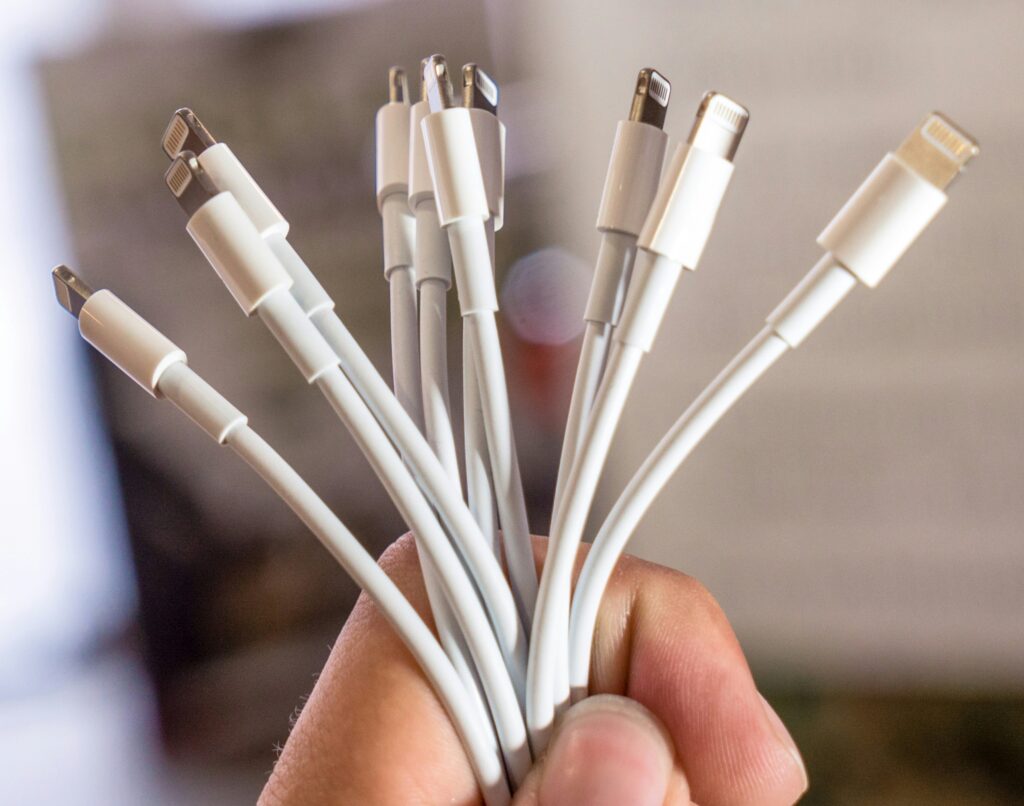
A Dirty Charging Port Can Quietly Block Power
One of the most surprisingly common culprits for a lot of charging issues is nothing more complicated than lint in the charging port. Little bit of dirt or debris from inside of the phone or your pocket will get packed into the port and stop the cable connector from plugging all the way in. It’s one of those weird ones that look like charging, your cable seems to be connected and getting power, you just get to none to very little from your cable to device.
Definitely get a look in your port in bright light before getting concerned your charging port is a bust!
There may be lint and can you gently try remove it – avoid metal objects that are sharp, something that will not make marks like a toothpick that is non metallic for instance or dry cleaning alcohol will work.
The Charger May Not Be Providing the Right Power
Your charger might actually harm your phone. Even if a charger is the right size, it might be wrong for your phone. Your smart device communicates with its charger to establish how much energy it’s able to take in.
Problems can occur when:
- the charger is damaged
- the adapter is too weak
- the charger does not support the phone’s charging standard
- a low-quality accessory provides unstable power
So for instance a phone built to charge fast might very wellcharge unbelievably slowlywith a really old, and often broken (although some will work a tiny bit to very weakly charging) Charger. Getting the correct phone charger with your phone usually yields the best results or getting a trusted aftermarket one based on specs.
Software Problems Can Sometimes Interrupt Charging
A Software component is responsible to some extent for managing of Charging. Operating System handle features of Battery’s protection & Charging process including its temperature & powers distributions among its services. Some time Bug in the OS causes the Charging of the Device wrongly .
Possible software-related symptoms include:
- the battery percentage freezes
- charging begins after restarting the phone
- the phone shows charging but the percentage does not increase
- charging stops after an operating system update
Sometimes simply restarting your device is all it takes to fix an issue that’s causing the problem. It might also be worthwhile to make sure your device’s operating system is up to date: Manufacturers update operating systems to include software-fixes and battery enhancements for the models they release.
Battery Health May Be the Hidden Problem
A smartphone battery does not fail suddenly in most cases. Instead, it gradually loses capacity.
As batteries age, users may notice:
- faster battery drain
- unexpected shutdowns
- slower charging performance
- reduced maximum battery capacity
You might see the charging symbol when using your weak battery, but it won’t be able to hold charge. The majority of recent smartphones give their users battery-health status options on their settings menu that might show signs if your battery is degrading. But when it comes to whether it is time to replace your phone’s battery, you should first take into account the general condition of the device – it may not be worthwhile to fix an aging device if the whole thing is in poor shape otherwise.
Why Won’t My Phone Charge? The Deeper Problems, Smart Fixes, and What Users Should Know
When Heat Becomes the Enemy of Smartphone Charging
The fact is, one of the most overlooked reasons why a phone may not be charging well is the temperature. A lot of the phones nowadays are built with battery safeguards that are intended to avoid harm from severe temperatures. The lithium-ion batteries generally operate well inside the room-temperature, and if the temperatures get beyond extremes, charging might simply go at slower rates and then discontinue.
A phone may pause charging when:
- it has been left in direct sunlight
- it is being used heavily while charging
- multiple demanding apps are running
- it is covered by a thick case that traps heat
- it is charging in a hot environment
Avoid heavy usage while charging People often do the mistake of still playing games, recording videos, using GPS or any other intensive use on their smartphones during charging. These functions produce additional heat and makes it more complicated for the phone to regulate the power at a safe level. Just remove the charger of your smartphone for a couple of minutes (while making it cool in air, or keeping it under table) till the it becomes at room temperature and reconnect it. However, do not abuse this trick in too long in time as battery heating can drastically reduce the lifespan and lifespan of the phone’s battery.
Water and Moisture: Why Charging May Stop After Liquid Exposure
Even modern phones might feature water-resilient hardware, but that’s not going to save them from being entirely waterproof. If any moisture finds its way into the charging port, plenty of phones can disable their charging capabilities as a protection mechanism for circuitry.
Signs that moisture may be affecting charging include:
- a warning message about liquid detection
- charging that stops immediately after connection
- a recently wet charging port
- corrosion or unusual residue around the connector
The easiest and safest solution is to remove the charging cable from the device and then let the charging port completely dry. Avoid using things that use high heat, such as a hair dryer, as too much heat can cause more trouble with internal parts, and patience will make up for it eventually. In addition to the most frequently misunderstood issue, many of the phone owner users who encounter humidity problems also assume that the problems always arise after immersion in the water when, instead, many types of situations can cause the charger to malfunction. Rain, humidity, sweat or any spill of liquid can all occur.
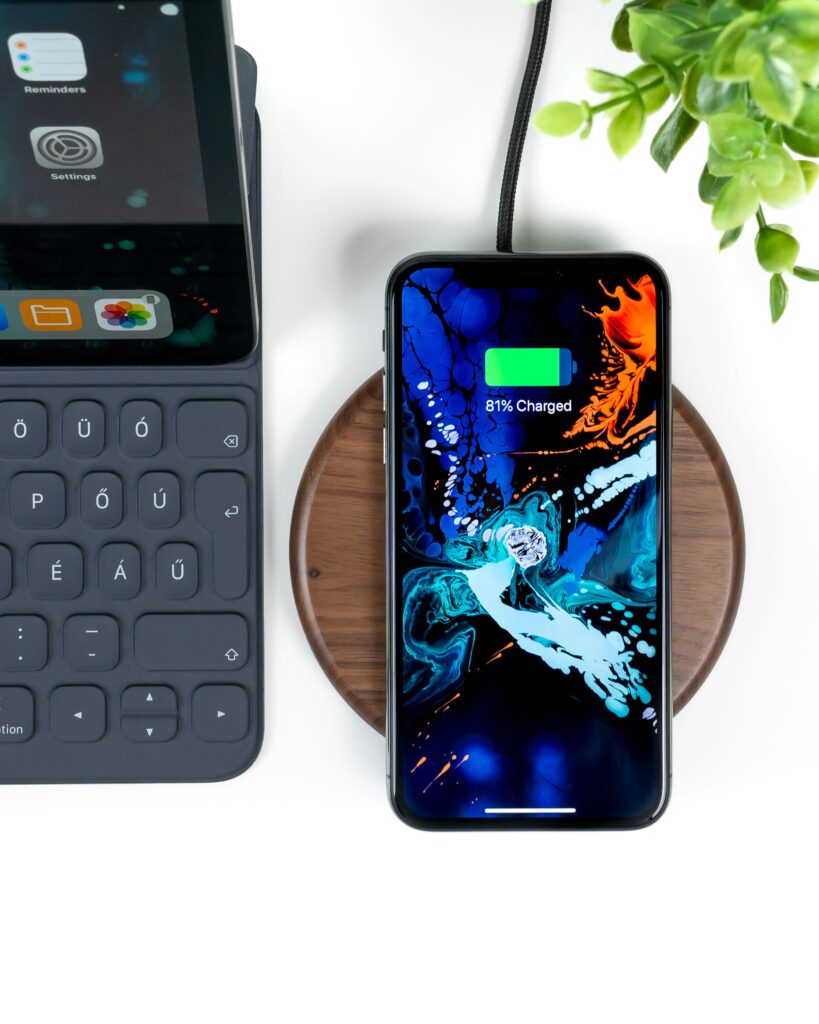
Wireless Charging Problems: When the Cable Is Not the Problem
Even though wireless charging is prevalent, the troubleshooting steps differ in wireless charging compared to wired. For wireless charging the arrangement of the coil on the phone and chargingpad must be properly aligned.
A phone may fail to charge wirelessly because of:
- incorrect placement on the charging pad
- a thick or incompatible phone case
- foreign objects between the phone and charger
- an unsupported wireless charging standard
- overheating during wireless charging
Wireless charging is convenient, but it is generally more sensitive to positioning than traditional wired charging.
If wireless charging stops working, testing with a compatible charger and removing unnecessary accessories can help identify the cause.
The Hidden Role of Battery Optimization Features
Many smartphone producers nowadays provide intelligent charging methods for mobile phone producers to assist maintain the life span of the battery long. Such a technique, normally given as optimised charging, adaptive charging or battery safeguards, works by slowing down the charge or suspending the charge based on some aspect. A battery for instance could find out about your pattern and hold back the final part of the charging to delay until the battery reaches its totally billed capability precisely prior to you’re anticipated to start. While that might seem reasonable as well as efficient, it could appear perplexing to battery percentages as well as confuse customers because the price could remain stuck at 99percent.
The rationale for these functionalities is that letting the lithium-ion battery sit at full charge for prolonged periods can actually accelerate aging. So when a phone stops charging for a while at the wee hours of the night it could merely be serving the battery.
Common Mistakes People Make When Their Phone Won’t Charge
When problems arise that limit the functionality of your device’s charging features, you should not automatically resort to some “costly fix”. That means you have to spend money to have your battery replaced, get another handset, or go straight to repair specialists without first considering even elementary troubleshooting steps for this trouble! There are a few mistakes we make that cause us to spend money and time senselessly:
Replacing the Battery Too Quickly
Bad Battery may not be your issue If the culprit is a bad cable or charging port that is blocked, then replacing the battery won’t actually help anything. Diagnosis first. Repair last.
Using Cheap Replacement Accessories
While inexpensive chargers and cables may seem to be the smart choice, the cheap-ness also contributes to poor performing and inconsistent accessories. The device may receive unstable power, charge much slower than expected, or struggle to maintain battery life for an extended period. Buying an accessory just because of its lowest price may cause more troubles down the road.
Ignoring Warning Signs
Small charging problems often become bigger problems when ignored.
Examples include:
- needing to adjust the cable position repeatedly
- charging becoming slower over time
- unusual heat during charging
- frequent connection failures
These signs suggest that something needs attention before the problem becomes more serious.
A Practical Troubleshooting Guide: What to Try Before Seeking Repair
When your phone refuses to charge, a logical process is more effective than random attempts.
Start with the simplest possibilities.
Check the Charging Setup
Try:
- a different cable
- another wall adapter
- another power outlet
- removing extension cords or damaged power accessories
This helps determine whether the problem comes from the charging equipment rather than the phone.
Inspect the Charging Port
Look for visible dust, debris, or damage.
If the cable does not fit securely or feels loose, the port may require attention.
Restart the Device
A restart can clear temporary software problems affecting battery recognition.
Test Another Charging Method
If your phone supports wireless charging, testing it can provide useful information.
For example:
- wired charging fails but wireless works → possible port or cable issue
- both methods fail → possible battery or internal hardware issue
Check Battery Information
Most modern smartphones provide battery condition details through settings.
This information can help determine whether the battery has significantly degraded.
When a Charging Problem Requires Professional Repair
Some charging issues cannot be solved through simple troubleshooting.
Professional evaluation may be necessary when:
- the phone has physical damage
- the charging port is broken
- the battery is swollen
- the device shuts down unexpectedly
- the phone does not respond to any charger
- there are signs of internal water damage
A swollen battery requires particular attention because it can affect the phone’s structure and safety.
Attempting to repair internal battery problems without proper tools and knowledge can create additional risks.
The Changing Future of Smartphone Charging
The future of consumer technology continues to reshape smartphone charging with faster, safer, and more efficient innovations.
Charging tech is getting faster and faster. These manufacturers are working on faster chargers, better battery science, more efficient wireless chargers, and smarter ways to manage power for the charger itself. All that speedy charging creates its own unique engineering hurdles, including new heat dissipation strategies, stronger batteries, and new safety measures.
The future of charging is about more than just jamming more power. The future of charging should focus on how to build systems that optimize among the most important elements of charging including pace, convenience, energy efficiency, and battery longevity. Customers, increasingly educated, are starting to realize they need to charge their batteries well if they want them to last long, no matter how fast they can be charged or if their smartphones have advanced charge and battery management technologies on board.
Expert Perspective: Charging Problems Are Often Diagnostic Clues
A phone that refuses to charge is not always announcing a major failure. Often, it is providing information.
The pattern of the problem can reveal the likely cause.
For example:
- charging only at certain angles may indicate cable or port issues
- If charging repeatedly pauses at the same battery level, it could indicate a built-in battery protection feature or charging management system at work.
- charging slowly after heating may indicate temperature protection
- no response from multiple chargers may point toward hardware failure
The most effective approach is not guessing. It is observing symptoms and eliminating possible causes systematically.
Technology problems become easier to solve when users understand common smartphone problems tips and how their devices function.
Final Perspective: What Readers Should Remember About Charging Problems
The next time you find yourself asking “why won’t my phone charge,” remember that the answer is rarely limited to one component.
Charging requires a number of components working synergistically: the charger, cable, port, battery, internal safety features, and software. While some solutions are quick, like cleaning a port and replacing a tattered charging cable, others need expert diagnosis (a broken charging port or dead battery, for instance). For example, charging may begin or fail due to software glitches.
A smartphone is a complex piece of technology, but understanding its charging system gives users more control and improves their overall mobile technology knowledge. With the right knowledge, many charging problems can be identified, prevented, and resolved before they become expensive repairs.
Frequently Asked Questions (FAQs)
1. Why won’t my phone charge even though the charger works?
Alternatively, check to see if your charger works in another device; if it does, the cause of the failure might be a problem with your phone’s charging port, battery, software, or internal charging electronics. Reboot the device, make sure your charging port is clean of debris, and test an alternate compatible cable.
2. Why does my phone say it is charging but the battery percentage does not increase?
This can occur when the phone receive too less power than the actual consumption of power during usage time. Background apps, over-heating, loose or low power of charger, broken charger cable, battery issues.
3. Can a dirty charging port stop a phone from charging?
Yes. Dust and pocket lint can prevent the charging connector from making proper contact. Cleaning the port carefully may restore normal charging.
4. How do I know if my phone battery needs replacement?
Signs of battery decline include rapid battery drain, unexpected shutdowns, reduced capacity, overheating, or charging problems that continue after testing different accessories.
5. Is fast charging bad for my phone battery?
The power being directed while using “fast charging” comes with fail-safe systems to monitor that power/temperature. Nonetheless, high temps affect bateria wear, as I mention the importance of temp in other articles.
6. Why does my phone stop charging at 80%?
Some smartphones use battery protection features that intentionally slow or pause charging to reduce battery wear. Check your device’s battery settings to understand whether this feature is enabled.
7. Should I repair my phone if it stops charging?
Depends on what’s broken, age of device & cost of repair. Cords are usually pretty cheap, same for Charging ports – something that might be worth doing on newer device that would just be cost-prohibitive on older tech.